
7 signs your commercial refrigerator needs attention
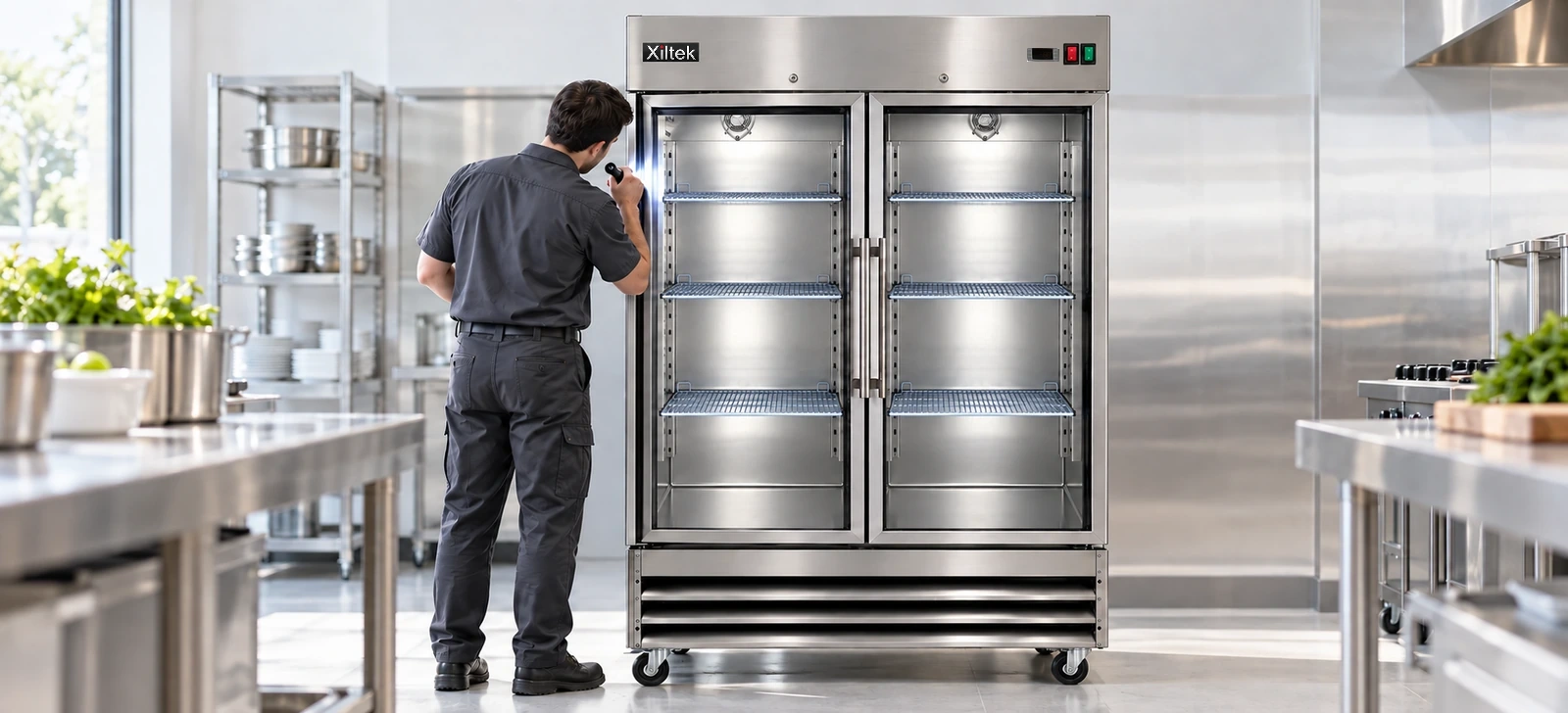
- Catching problems early is far cheaper than losing a unit full of food.
- Start with the simple checks: coils, gaskets, airflow and door alignment.
- Protect your food first: move it to a working unit before you troubleshoot.
- Have your model and serial number ready when you call for parts or help.
A commercial refrigerator rarely fails without warning. Most problems announce themselves days or weeks earlier with small changes in how the unit behaves. Learn the signs and you can fix the cause before it costs you a compressor, or a shelf full of inventory.
The 7 warning signs
| Sign | Likely causes | Check first |
|---|---|---|
| Temperature drifts or will not hold setpoint | Dirty condenser, worn gasket, blocked airflow, failing sensor or controller | Clean the coil, test the gasket, clear the vents, check the sensor |
| Compressor runs constantly | Dirty coil, door not sealing, hot room, overloaded unit | Clean the coil, check the door, give the unit clearance |
| Ice or heavy frost on the evaporator or door | Door left ajar, bad gasket, defrost problem | Check the seal and door closure, then the defrost system |
| Water pooling inside or under the unit | Clogged drain, cracked drain line, evaporator problem | Clear the drain and inspect the drain line |
| Door will not close or seal | Worn gasket, bent hinge, misaligned door | Inspect the gasket and hinges, adjust or replace |
| Unusual noises | Failing fan motor, loose panel, compressor trouble | Locate the noise, check fan blades and mounting |
| Rising energy bills | Dirty coil, aging gasket, failing fan or compressor | Clean the coil, test the gasket and compare the unit's run time |
Start with the simple fixes
Many problems come down to dirt, wear and airflow. Before you call for service, clean the condenser coil, wipe and inspect the door gasket, make sure nothing is blocking the interior fan or vents and confirm the unit has clearance around it. Our guide to cleaning a commercial refrigerator walks through each step.
Protect your food first
If a unit is not holding temperature, move food to a working refrigerator or cooler right away. Keep doors closed on the failing unit to hold in what cold remains. As a general food safety rule, time and temperature-controlled food held above 41°F for four hours or more should be discarded. When in doubt, follow your local health code and see our food storage temperature guide.
Parts that commonly wear out
- Door gaskets
- Evaporator and condenser fan motors
- Temperature sensors (probes) and controllers
- Hinges and door handles
- Lights and drain components
These are standard wear items and are usually straightforward to replace. Look up your model in our parts catalog or send a message with your model and serial number.
What to have ready when you call
- The model and serial number from the data plate
- A short description of what is happening and when it started
- What you have already tried
- A photo of the unit or the part, if you can
Prevent the next problem
A little routine maintenance goes a long way: clean the coil monthly, wipe the gaskets weekly, check temperatures every shift and do not overload the unit.
Not sure what you are seeing? Contact us and we will point you in the right direction.
Xiltek support and parts
If your Xiltek unit shows any of these signs, contact Xiltek with your model and serial number and we will help you work out the next step. Replacement components can be found by model number in the Xiltek parts catalog.
Built from stainless steel and run on efficient R290 refrigeration, Xiltek units are designed for years of daily commercial use, and a little preventive care keeps them that way.
Frequently asked questions
Why is my commercial refrigerator not cooling?
The most common causes are a dirty condenser coil, a worn door gasket, blocked airflow or a failed sensor, fan or controller. Check the simple things first.
Why is there ice building up inside my freezer?
Usually warm, moist air getting in through a poor seal or an open door, or a problem with the defrost system. Check the gasket and door closure first.
How do I find my model and serial number?
Look for the data plate, usually inside the cabinet or on the back or side of the unit.
Should I try to fix the refrigerant system myself?
No. Sealed-system work must be done by a qualified technician. Cleaning, gaskets, fan covers and accessible parts are fine to handle yourself with the unit unplugged.